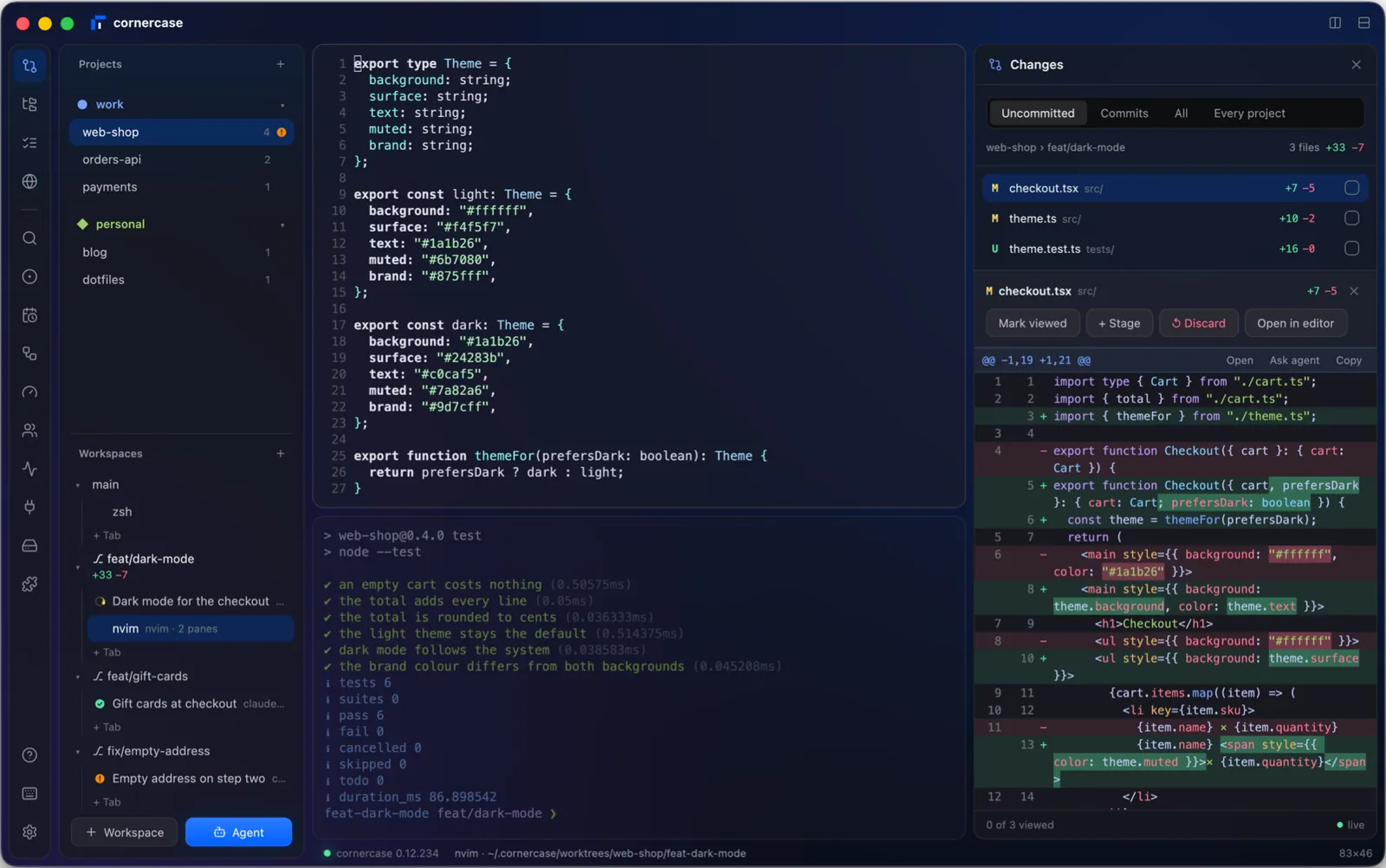
GPUI, the framework behind the Zed editor, draws every card, glyph and shadow. The window is glass in layers, and where your system can blur it, your desktop shows through.
- Groundone sheet of glass
- Railevery panel, a click away
- Sidebarprojects, workspaces, agents
- Panesa floating card each
- Dockthe work beside the terminal
Every agent's status, model and context in the sidebar, beside each workspace's pull request and how its checks went. When one needs you, a toast, a notification and a sound say so.
- Working
- Waiting
- Failed
- Done
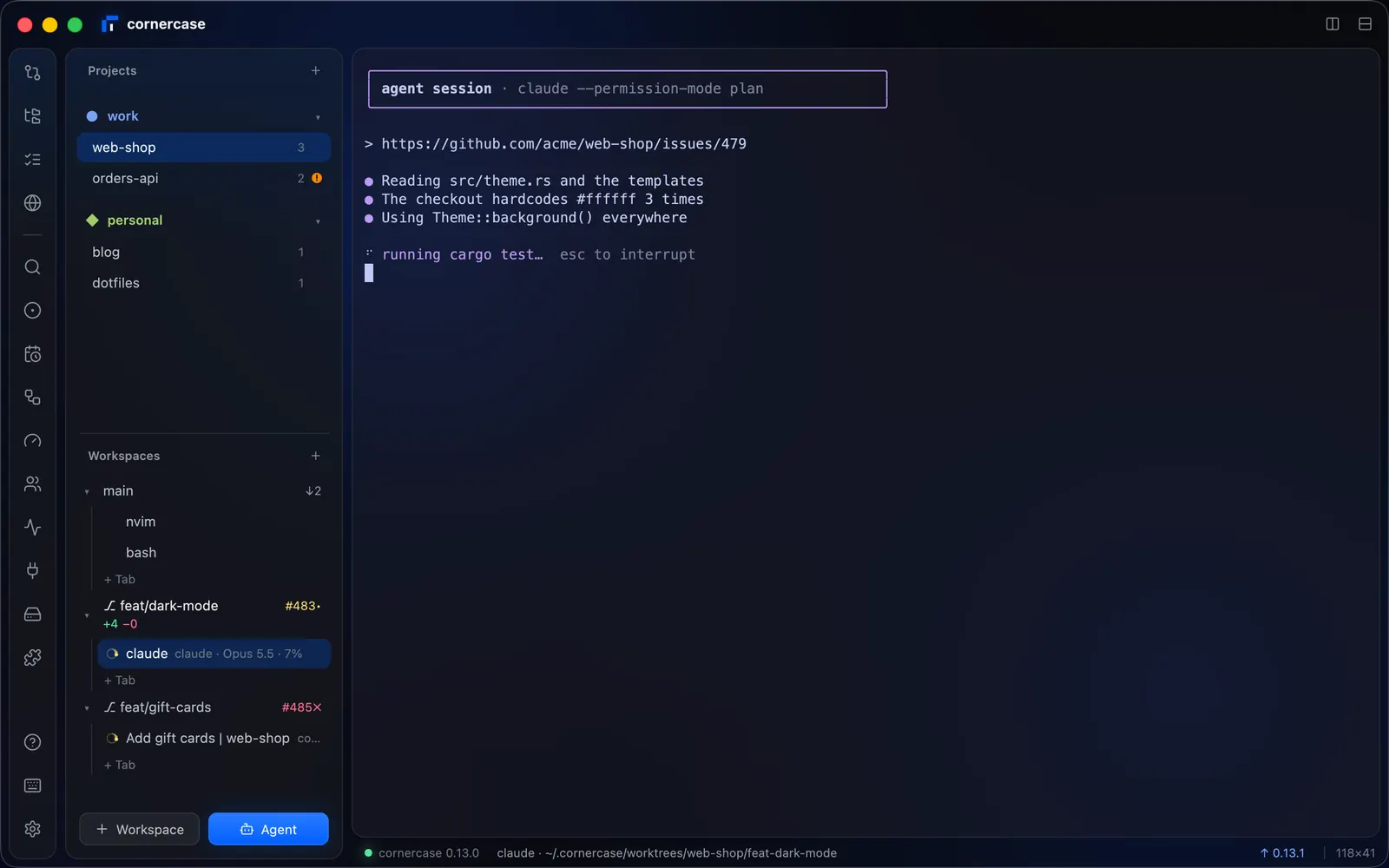
Split with a key, drag the gap between cards to resize, and drag a pane by its handle onto another to move it. Drop a file to paste it. Paste a screenshot, and the agent can open it.
⌘D split right ⇧⌘D split down
Rest the pointer on a path a program printed and the file shows beside it: code at its lines, images, PDFs and documents. Rest it on a web address and the page shows.
- Code, at its lines
- The page of a local address
- Images and documents
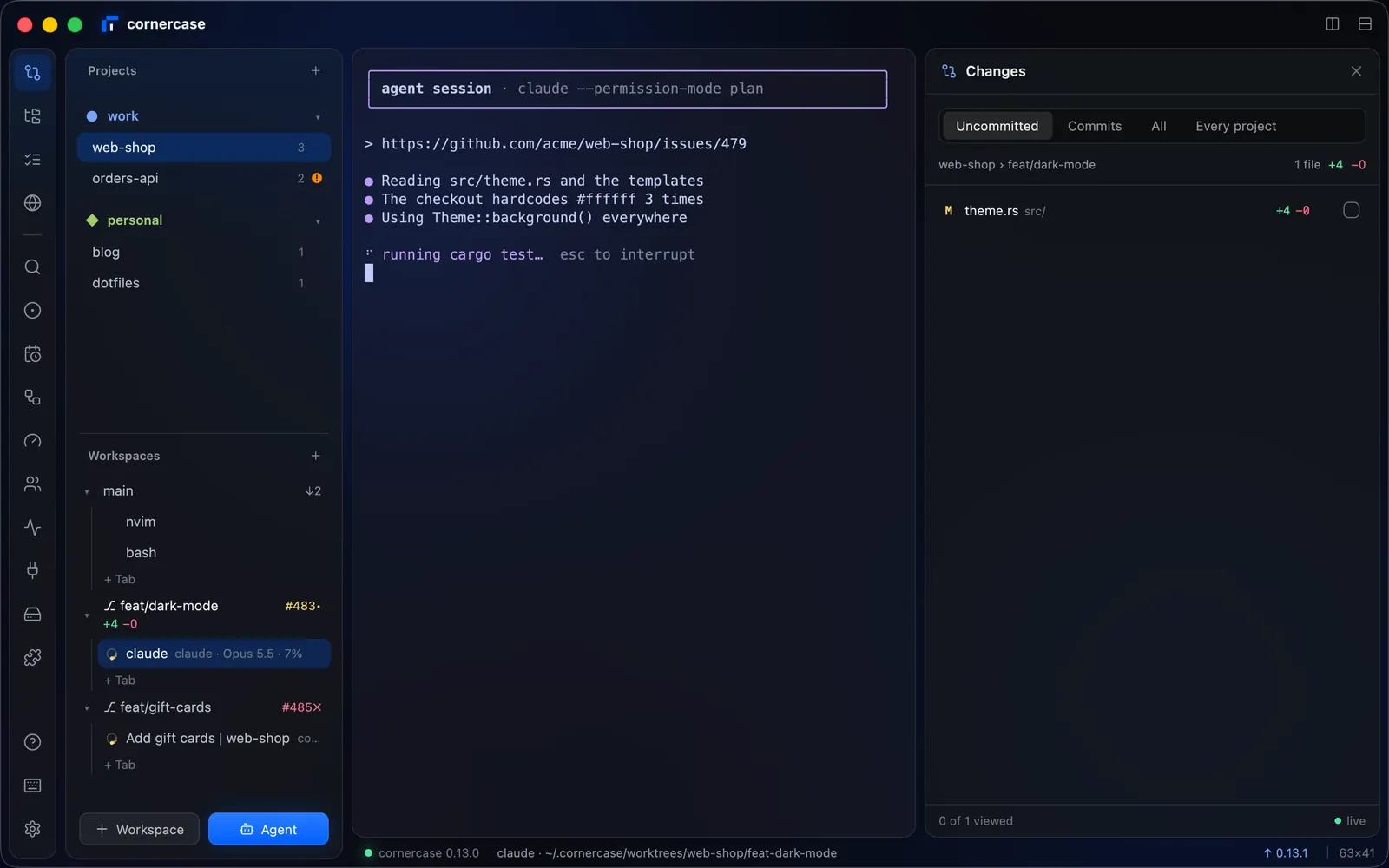
The workspace's diff, to stage, discard and review. Files has the tree, a viewer and search. TODO holds what you still have to do, one click from an agent.
⇧⌘C Changes ⇧⌘E Files ⇧⌘L TODO
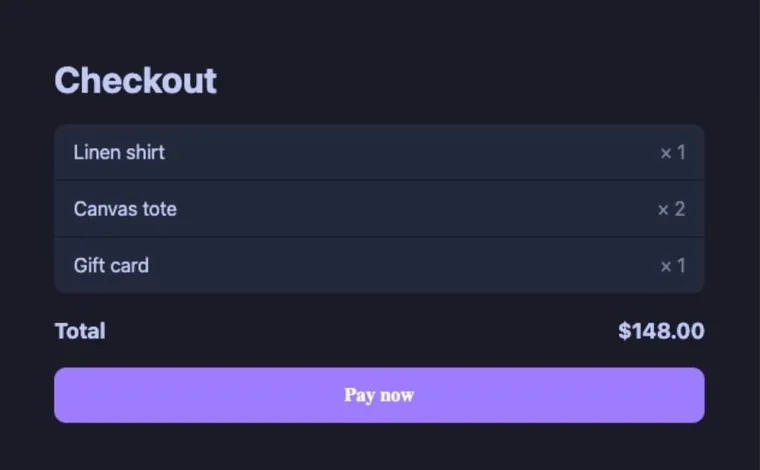
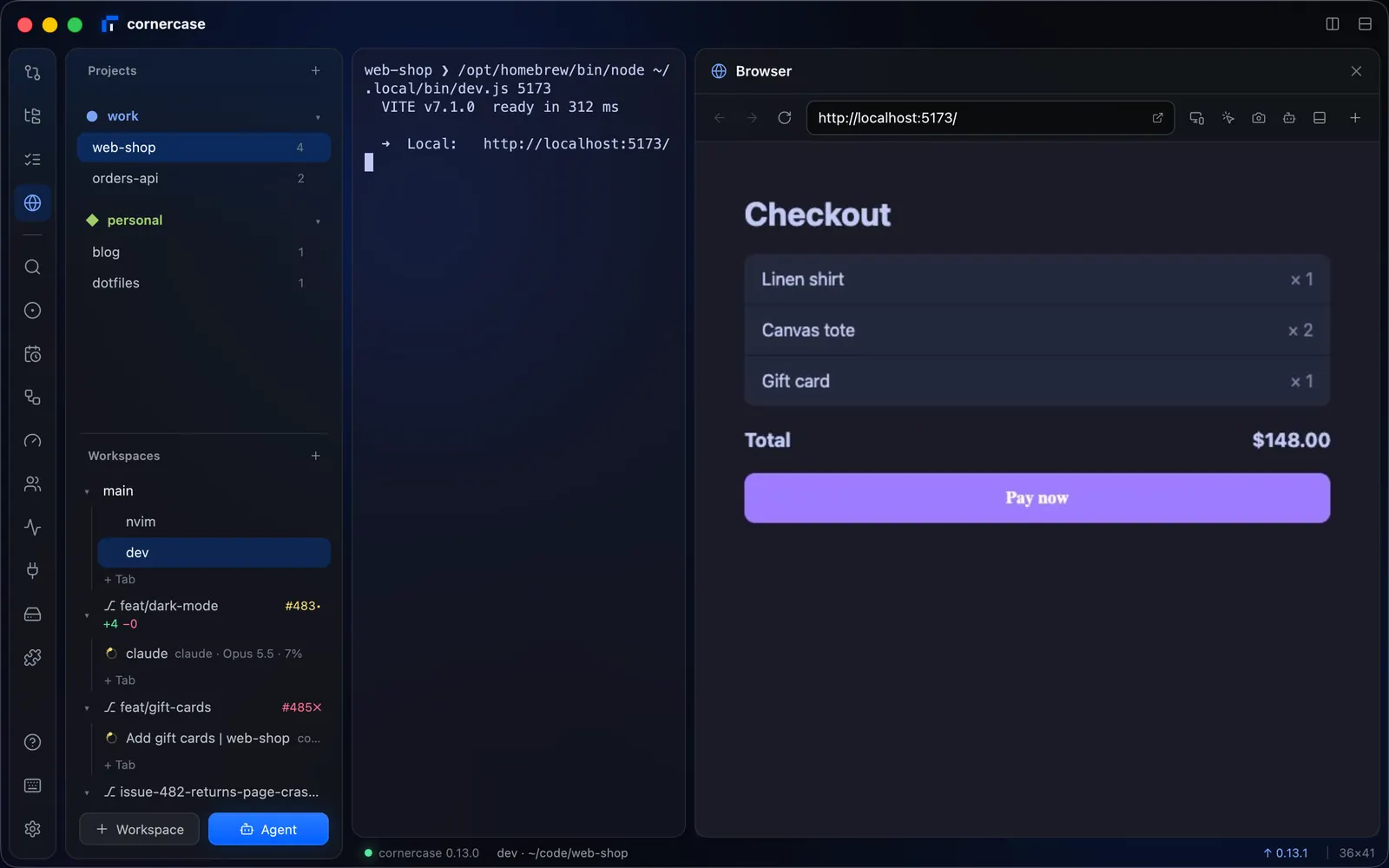
A real Chrome on the workspace's dev servers, with device sizes and the console. Pick an element or take a screenshot and hand it to the agent. When the agent finishes, the page reloads.
⇧⌘B Browser
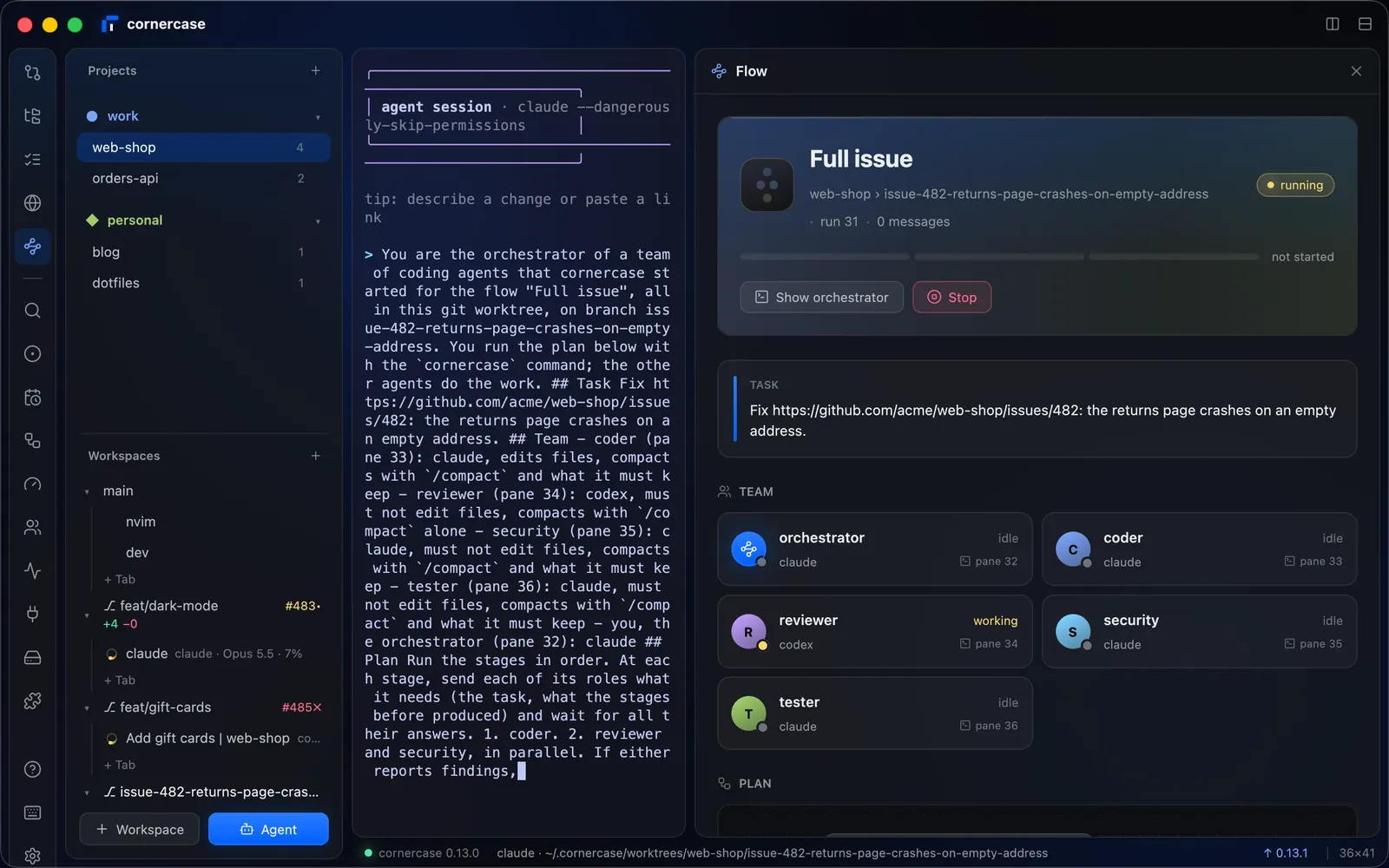
A flow is a team of agents run by an orchestrator. Its plan lights up where the work stands, beside the agents at work, with the messages they send each other.
⇧⌘F Flow
One shortcut away.
The rest of cornercase, each in a sheet of its own. Real screens, from the real window.
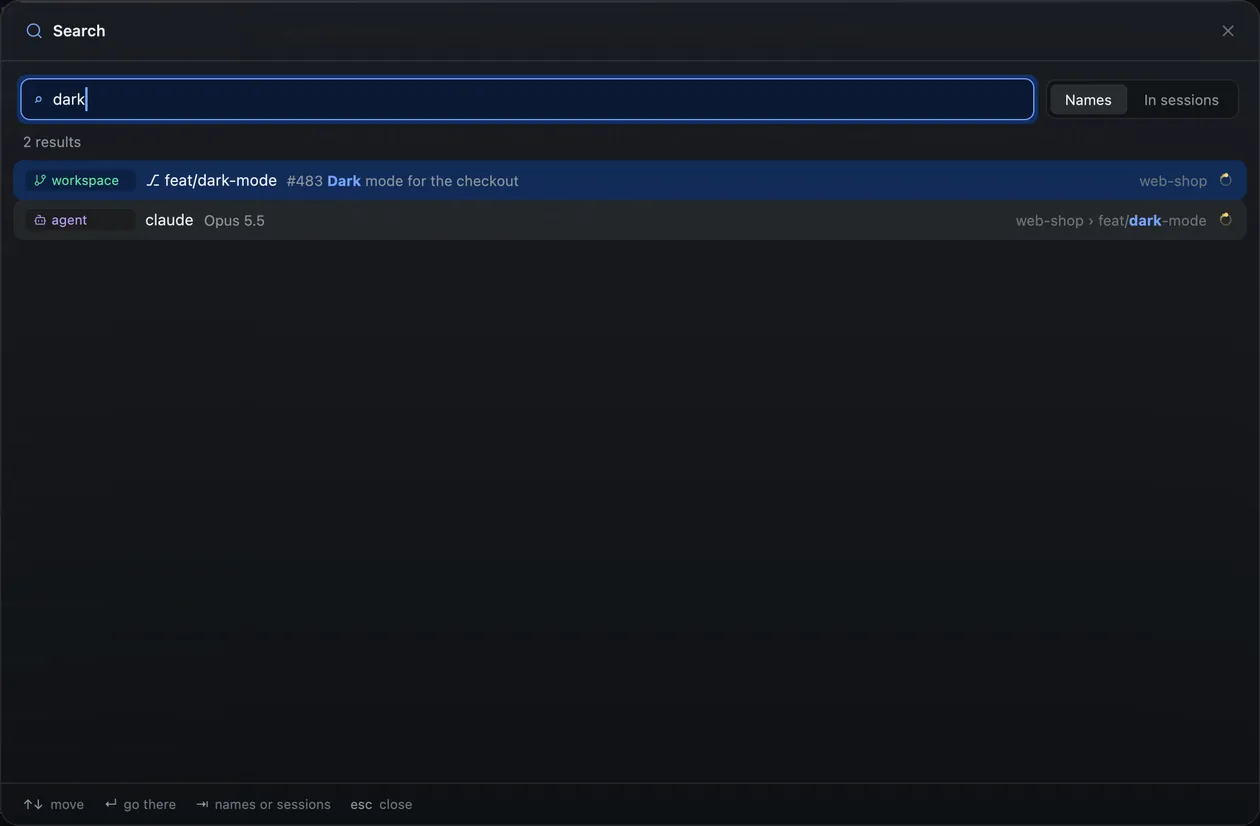
- Search: Names, and what agents and shells said. ⌘F
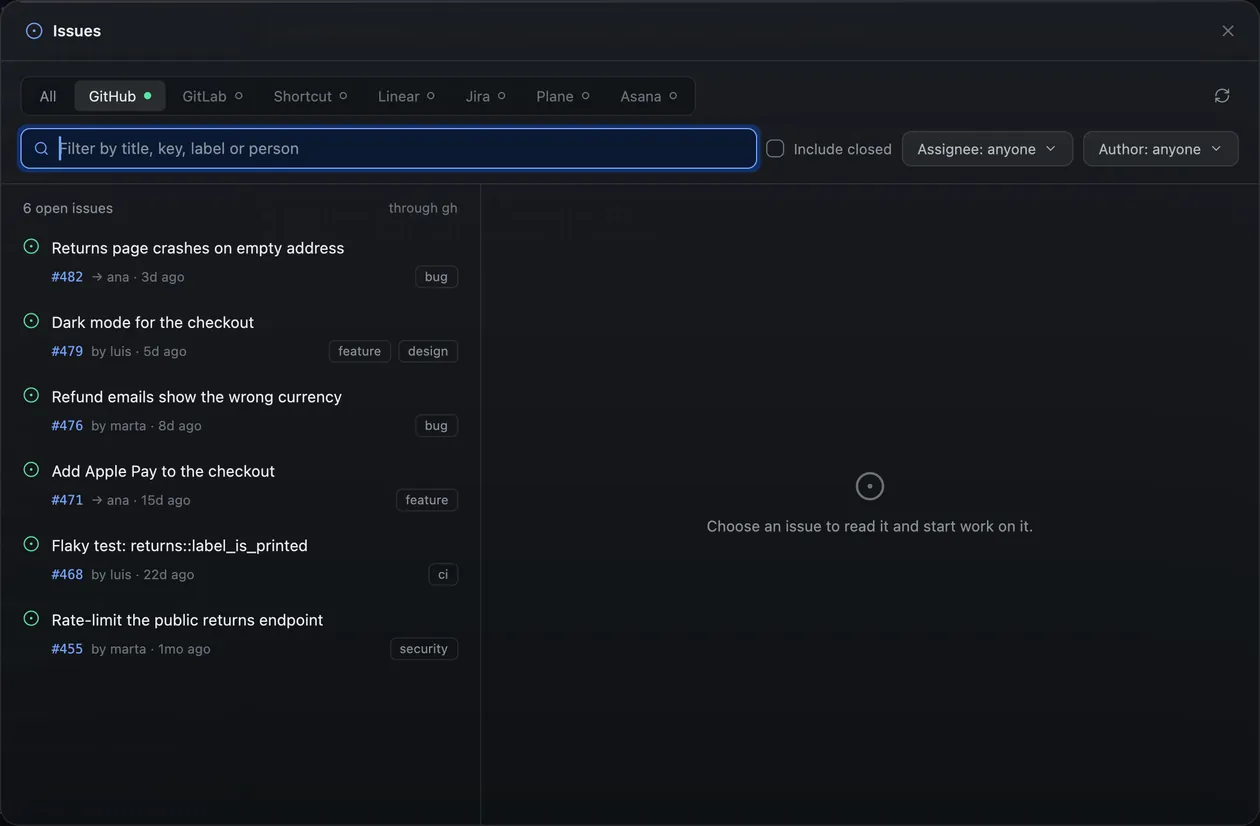
- Issues: Your trackers, and an agent on any issue. ⌘I
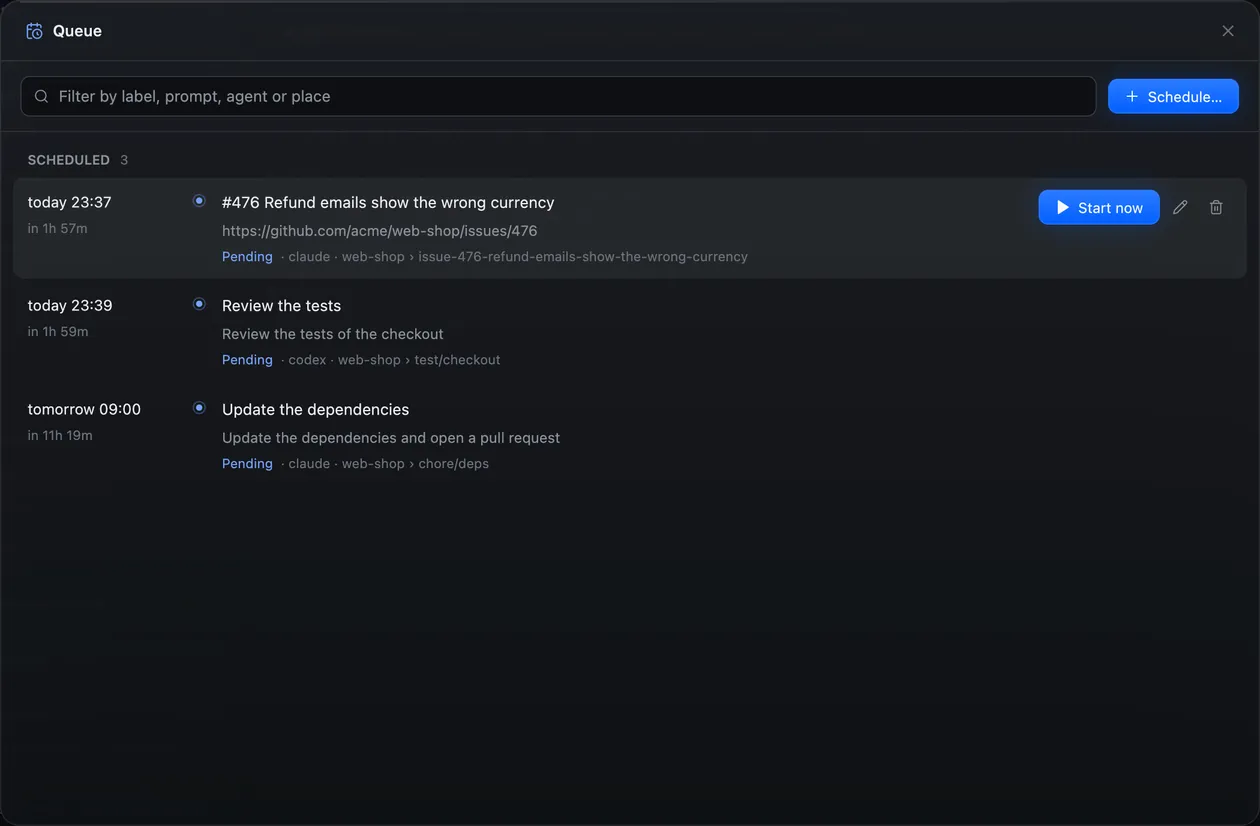
- Queue: Agents that start later, on their own. ⇧⌘S
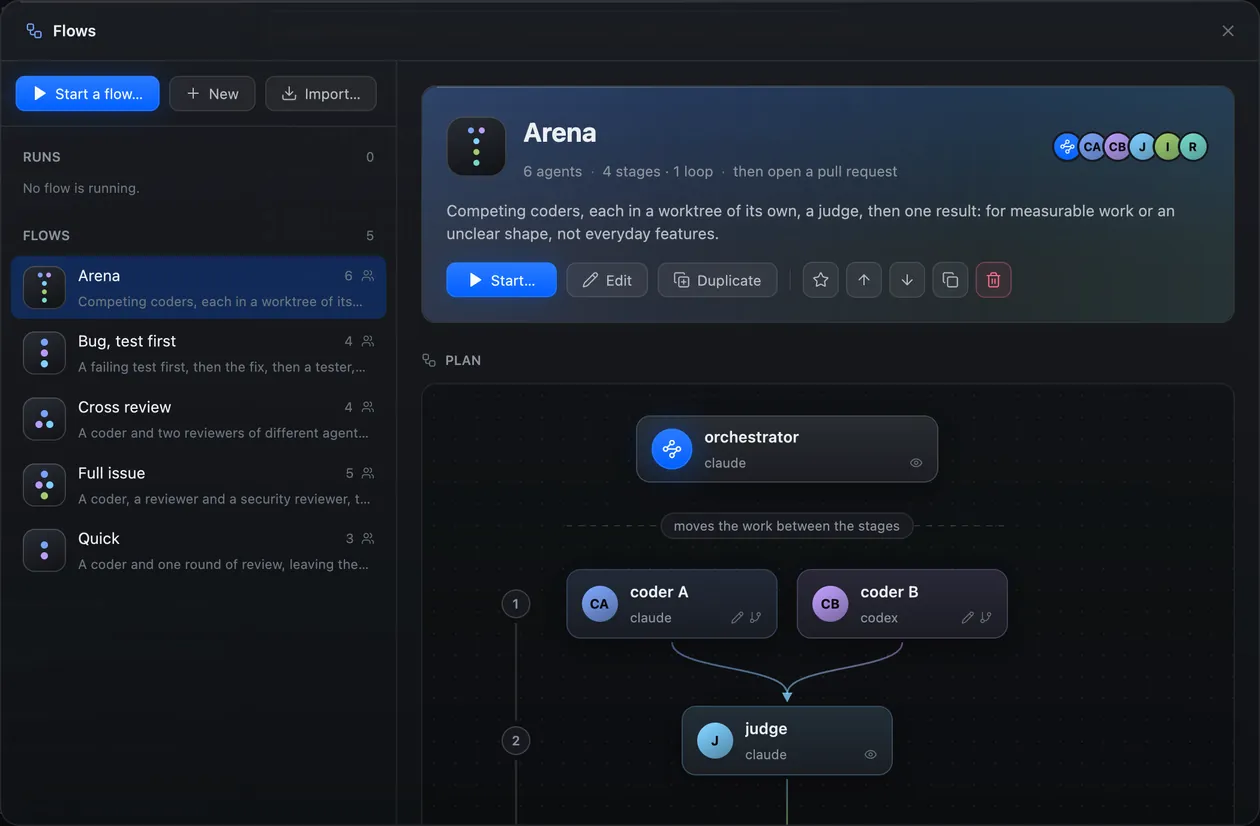
- Flows: Teams of agents, their plans and runs. ⇧⌘G
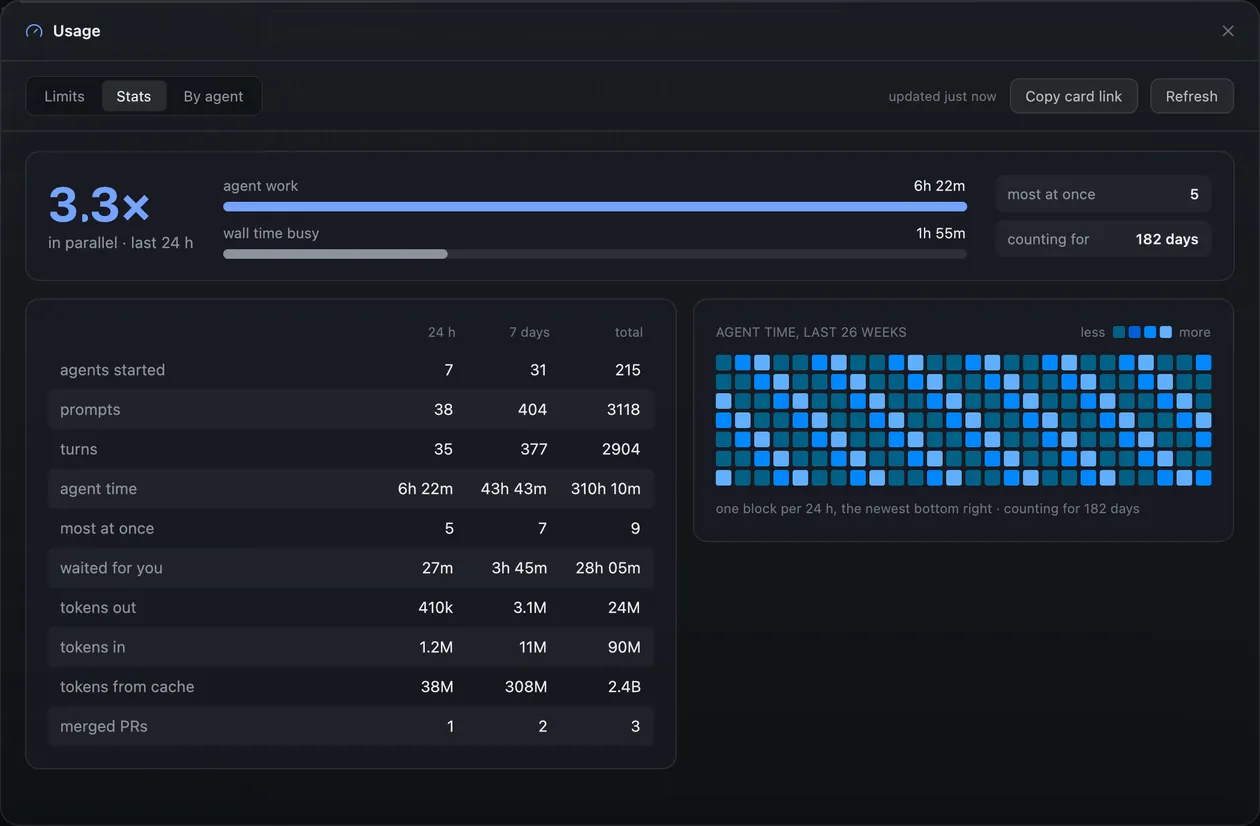
- Usage: Plan limits, and the numbers of your agents. ⌘U
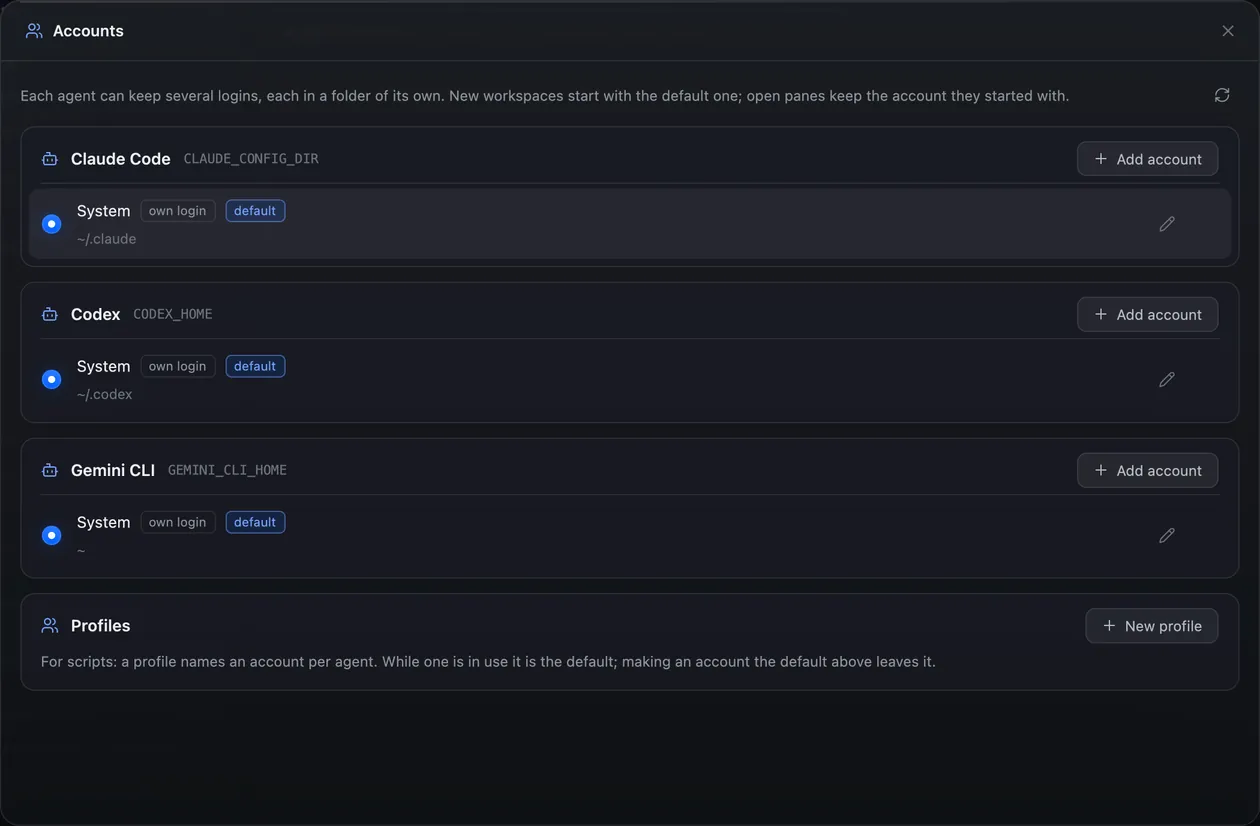
- Accounts: Agent logins and profiles. ⇧⌘A
- Processes: What every pane runs, its CPU and memory. ⇧⌘M
- Ports: What listens, to open it or stop it. ⇧⌘O
- Worktrees: Every worktree on disk, and what is safe to remove. ⇧⌘T
- Plugins: Install them, link your own, run them. ⇧⌘X
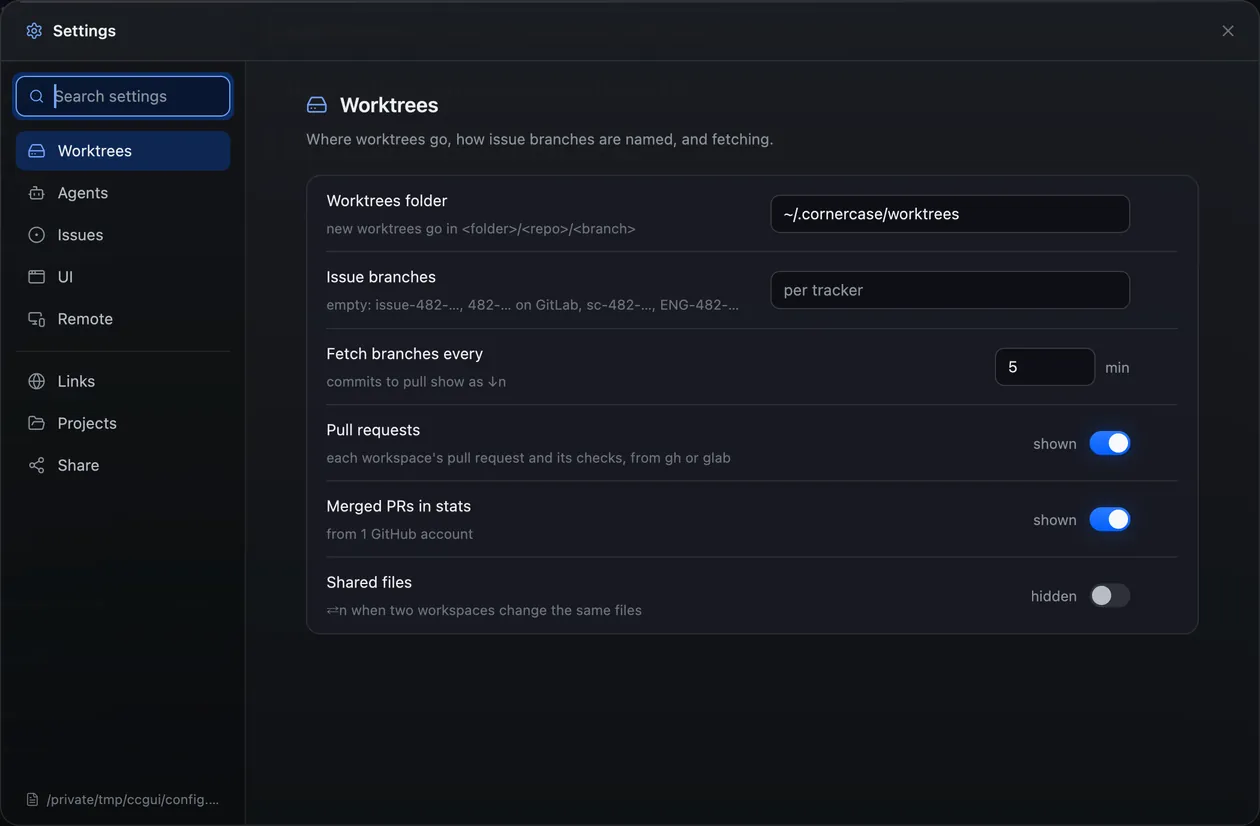
- Settings: All of cornercase, in one form. ⌘,
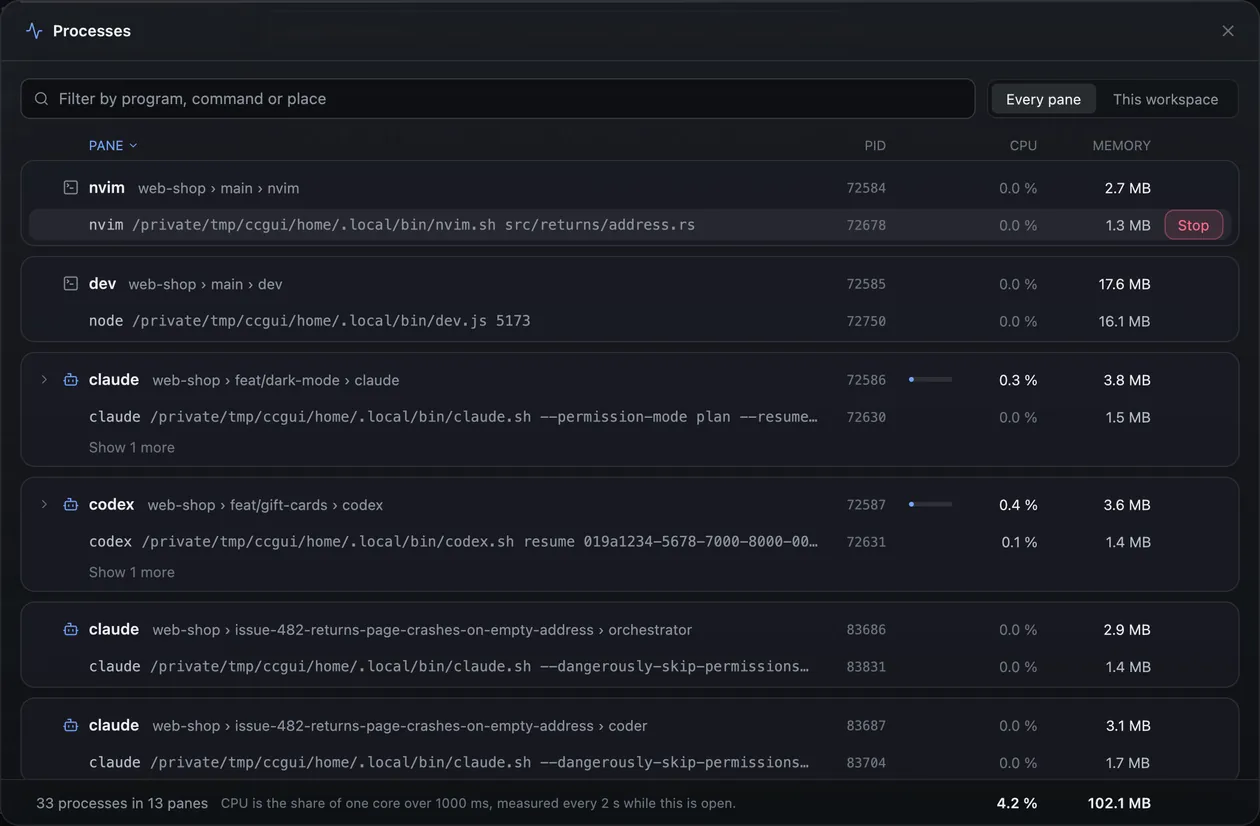
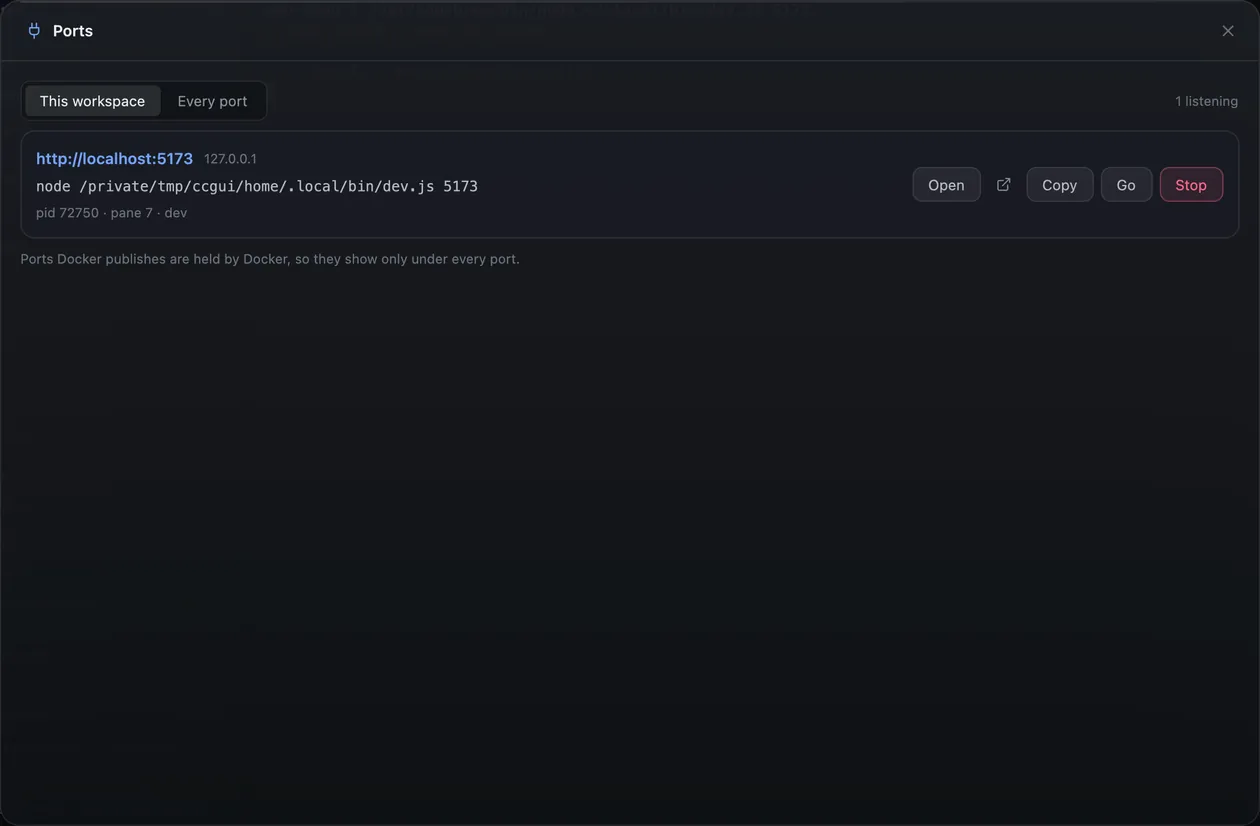
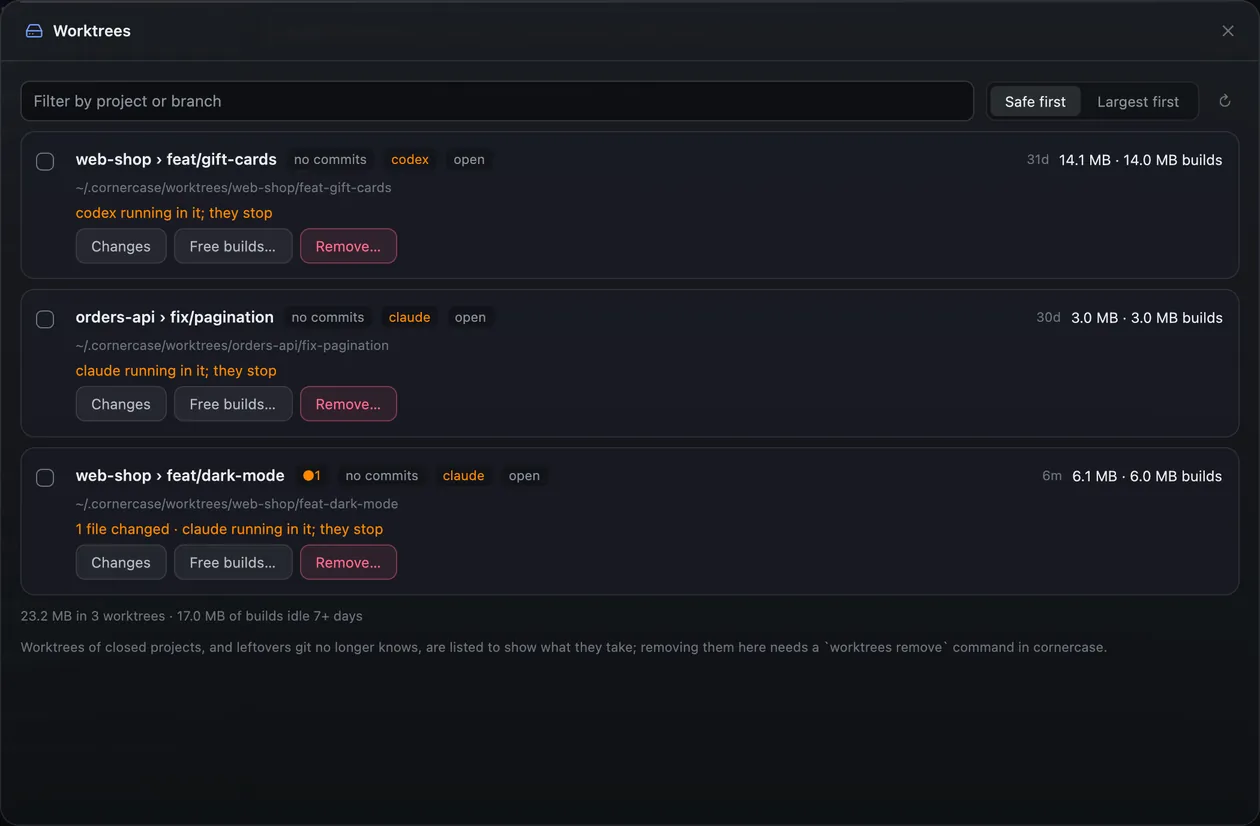
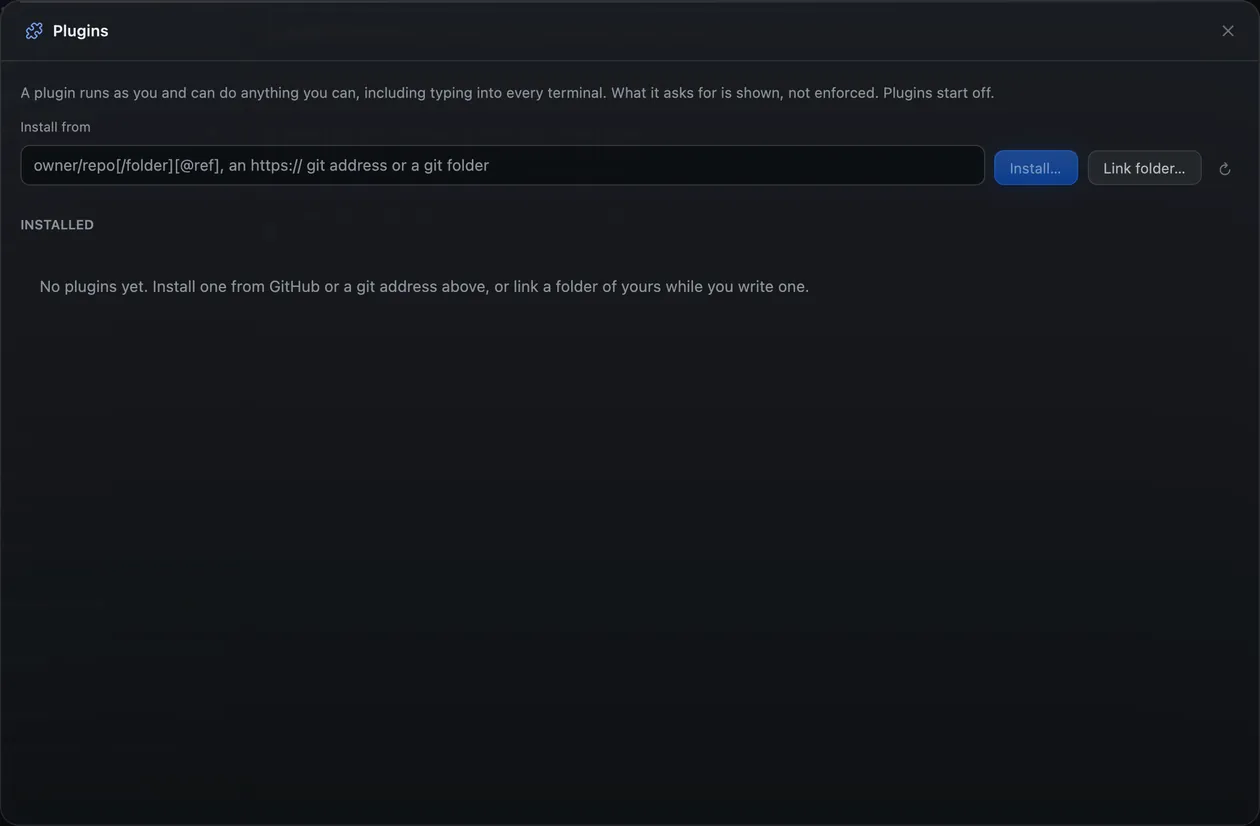
cornercase's server owns the shells, agents and worktrees; this app is only a window on them. Close it and the work goes on. Open it again, or the terminal's own window: both show the same session.
Or another machine.
Connect the window to cornercase on another machine over your own ssh. Your config, keys, agent and jump hosts apply, and it reconnects by itself when the link drops.
cornercase-gpui --remote devbox
Give your agents a window.
Free and open source, MIT or Apache-2.0. It tells you when a new version is out, and updating it never touches your agents.
macOS
- macOS 12 or later
- Apple silicon or Intel
- Signed and notarized by Apple
Windows
- Windows 10 or 11, x64
- No runtime to install
- Needs cornercase 0.12.287 or newer
Linux
- x86_64, glibc 2.35 or newer
- X11 or Wayland, with Vulkan
- Updates itself in place
Every download, its checksum and what changed · Build from source
It needs cornercase
cornercase 0.12.234 or newer (0.12.287 or newer on Windows), which keeps your agents running. The window finds it by itself, and says so if it is missing. Installation guide
curl -fsSL https://usecornercase.dev/install.sh | shbrew install usecornercase/tap/cornercasepowershell -ExecutionPolicy Bypass -c "irm https://usecornercase.dev/install.ps1 | iex"